
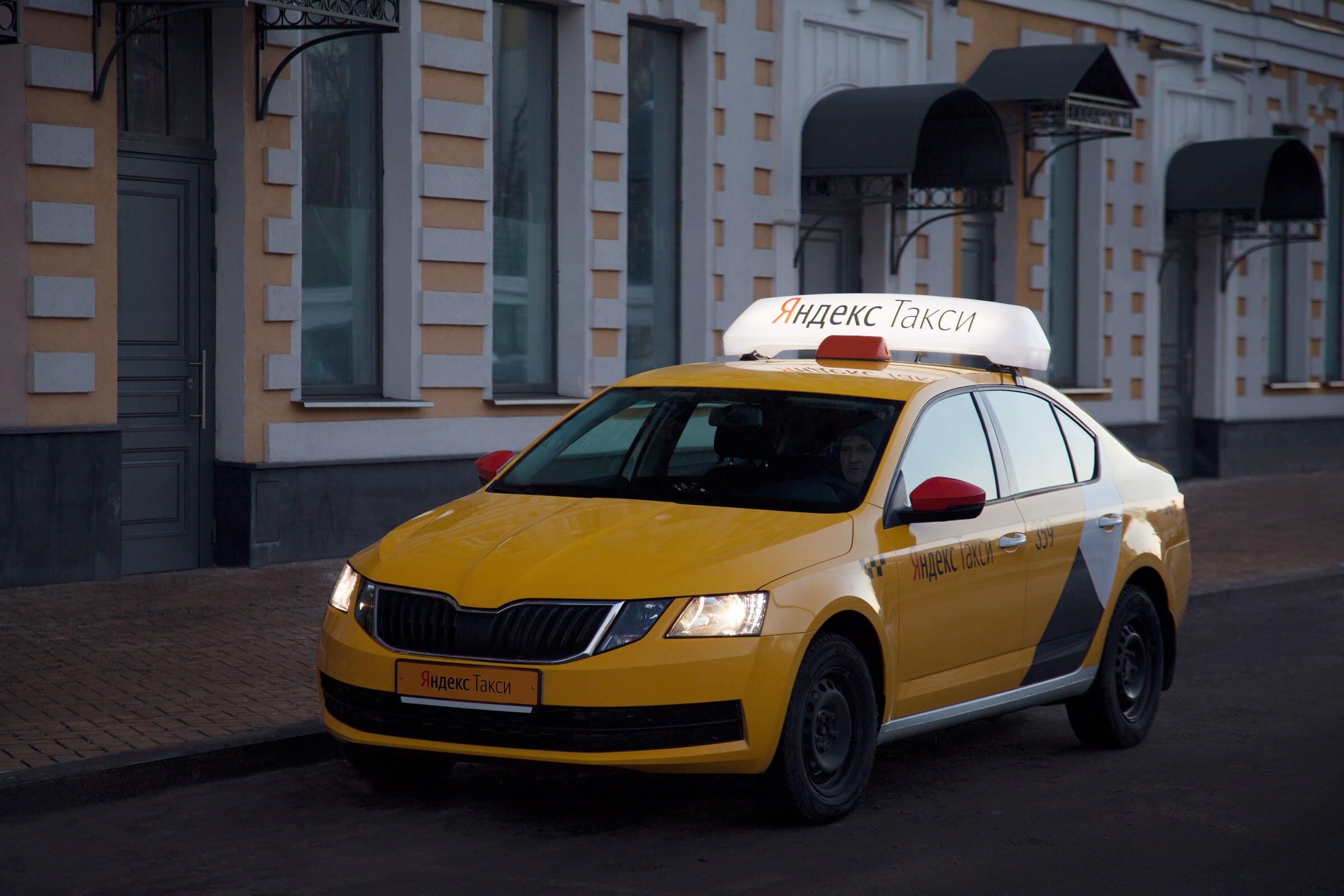
Short answer: most city taxis in Russia are ordered through apps, mainly Yandex Go. Cards issued abroad do not work in Russia, so as a visitor you will usually pay in cash where the app offers it, or with a Russian bank card once you have one.
1. Setting up the app
- Install Yandex Go before you travel; the interface is available in English.
- Sign-up uses an SMS code to a phone number. Some foreign numbers work, but a Russian SIM is the more reliable option — see the SIM and internet guide.
- Turn on mobile data or Wi-Fi: the app needs a connection to find a car.
2. How to pay
- Cash: in many cities you can select cash as the payment method. Carry small notes.
- Russian card: a Mir card from a Russian bank can be linked to the app. See the Mir card guide.
- Foreign Visa or Mastercard: will not work for payments in Russia.
Available payment options differ by city and can change; check what the app shows before you confirm the order.
3. Ordering and riding
- Check the pickup pin — in big stations and malls, choose the exact entrance.
- The app shows the car model, colour and number plate. Check the plate before getting in.
- The fare is usually shown before you order; surge pricing applies at busy times and in bad weather.
4. Airports and stations
Use the official app pickup points or the airport's official taxi desks. Avoid drivers who approach you in the arrivals hall offering a ride.
5. Alternatives
In Moscow and St Petersburg the metro is often faster than a taxi at rush hour — see the Moscow Metro guide.
App features and payment options change. The app itself is the final source.

How did this land?
One tap. No account, no email, no cookie banner.
Comments (0)
Be the first to comment!